About the different vision
1--Europe Asian vision: only support Europe Asian countries bands , not support other continents bands .
2--Global vision: support global bands ,network is more stable .
3--The watch will ships without SIM card ,you need to prepare a SIM card yourself !
Steps to bind the watch with your smartphone
1. insert a 4G SIM card in the watch ,restart the watch ,and make phone calls to your smartphone (then the watch registration code will be activated .)
2. use your smartphone to download the APP Setracker(for kids /elderly watch) ,create an account and log in ,and then use the APP to scan the watch registration code to bind the watch with your smartphone .
3. then you can use your smartphone to manage the watch through APP Setracker .
Basic Features
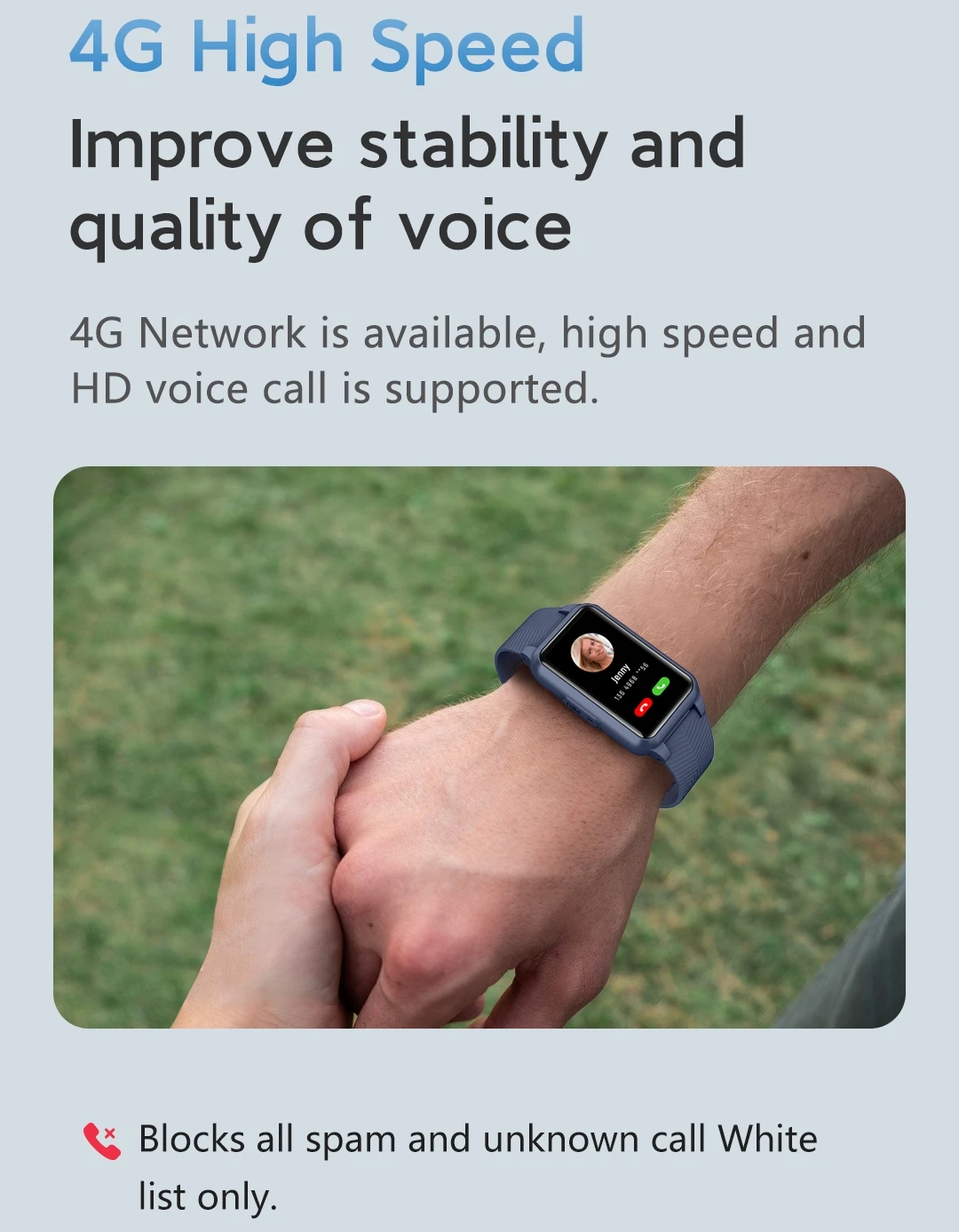
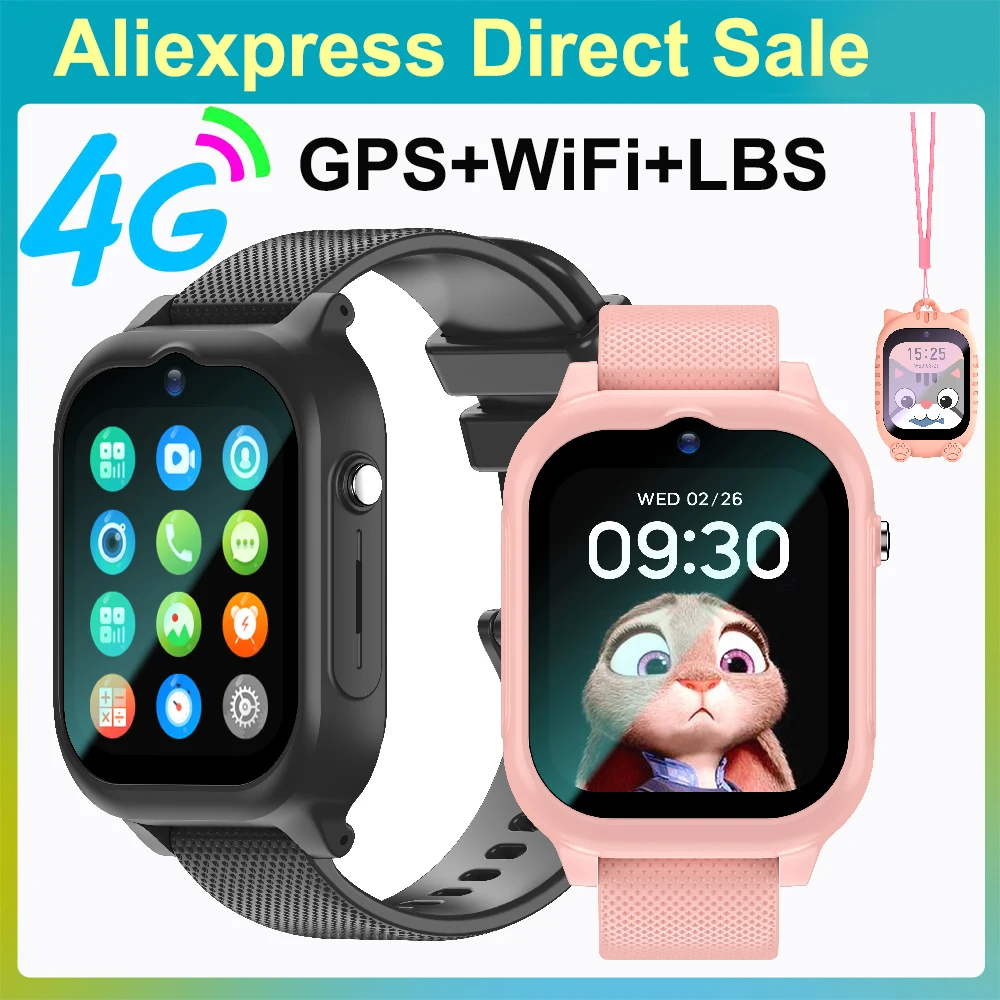
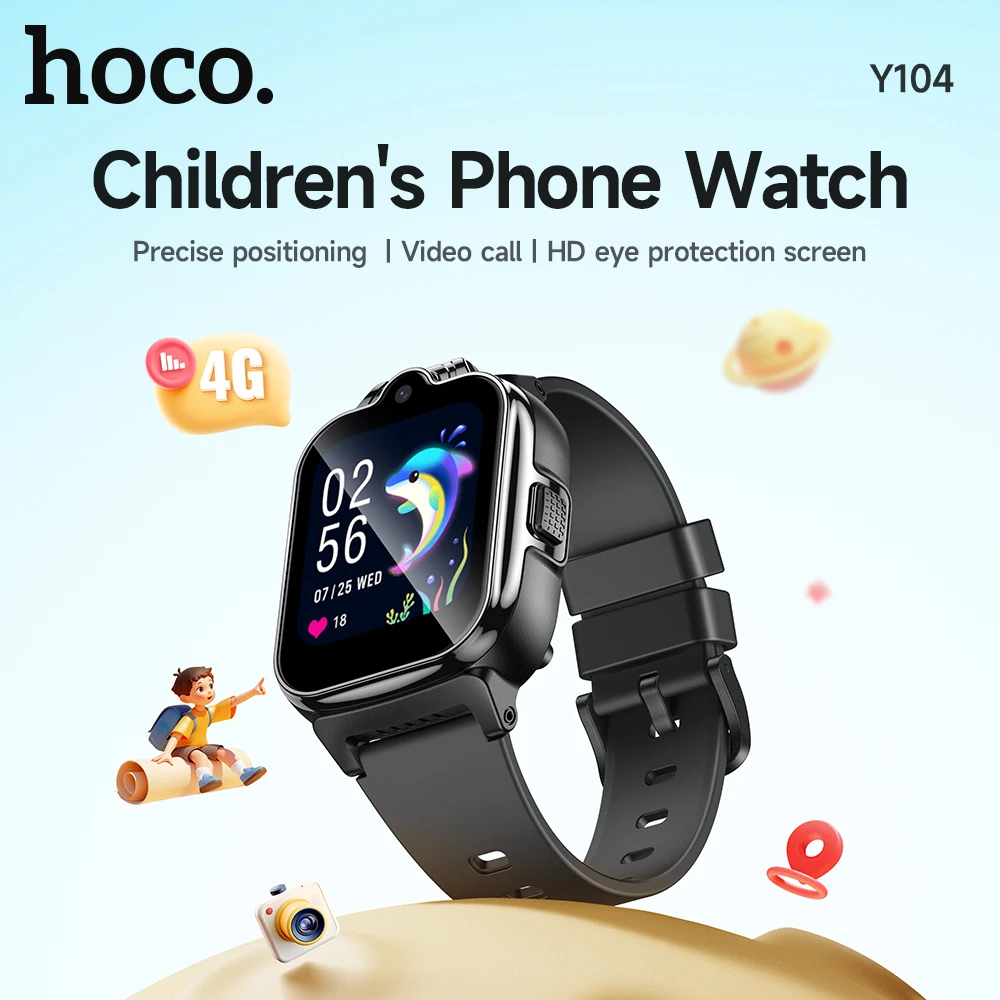
1. Network: 4G;
2. Screen:1.47 Inch HD,172*320 resolution;
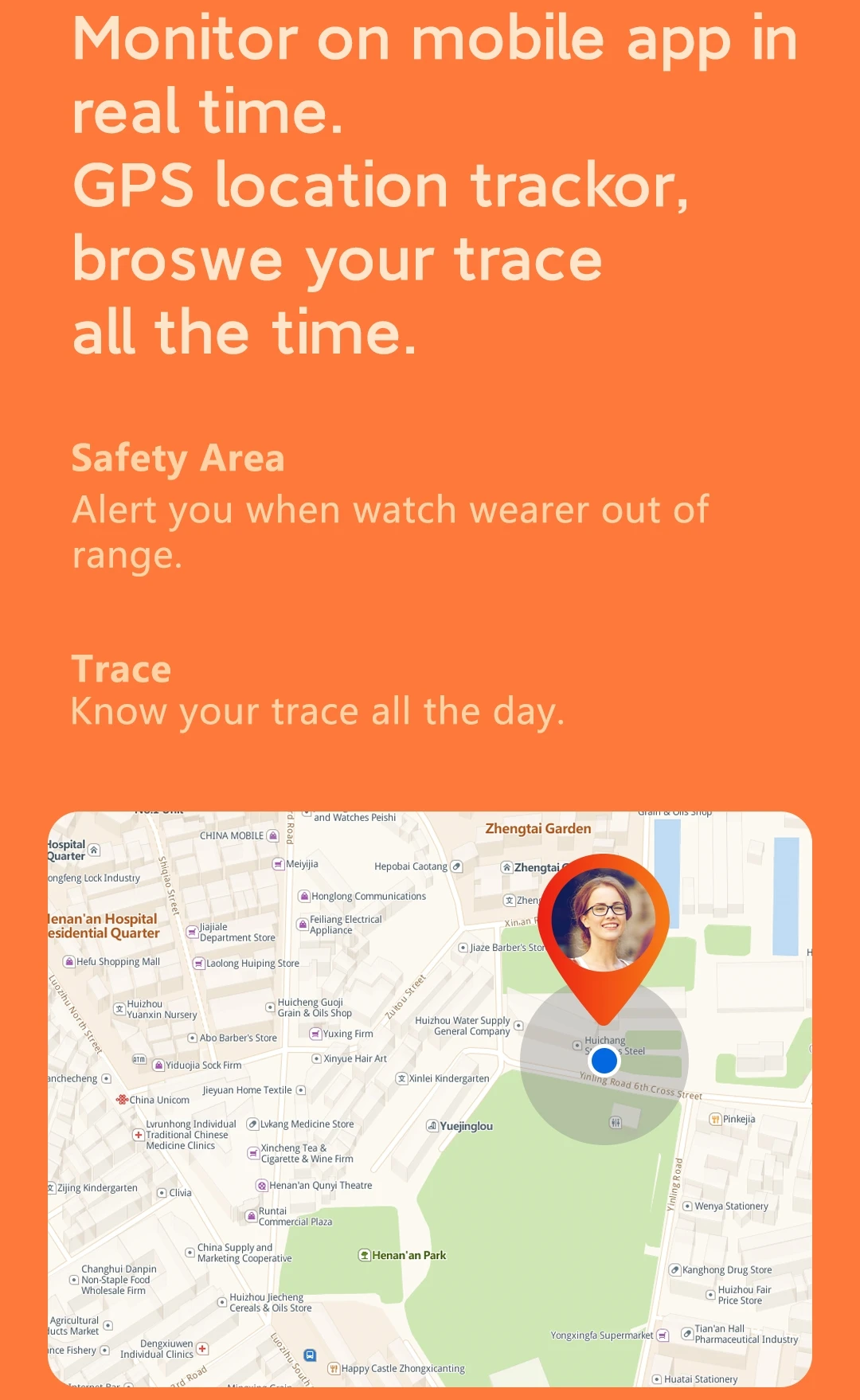
3. Positioning: GPS+WIFI+LBS multiple positioning; (it has WiFi positioning ,but can not use WiFi network )
4. Memory: RAM:128MB, ROM:192MB;
5. Battery: Lithium battery 350mAh, standby time 1~2 days, charging time 2h;
6. Camera:NO;
7. Waterproof:IP67 waterproof (Please do not use it in hot/salt water, hot shower, swimming or diving!);
8. Operation system compatible:IOS and Android;
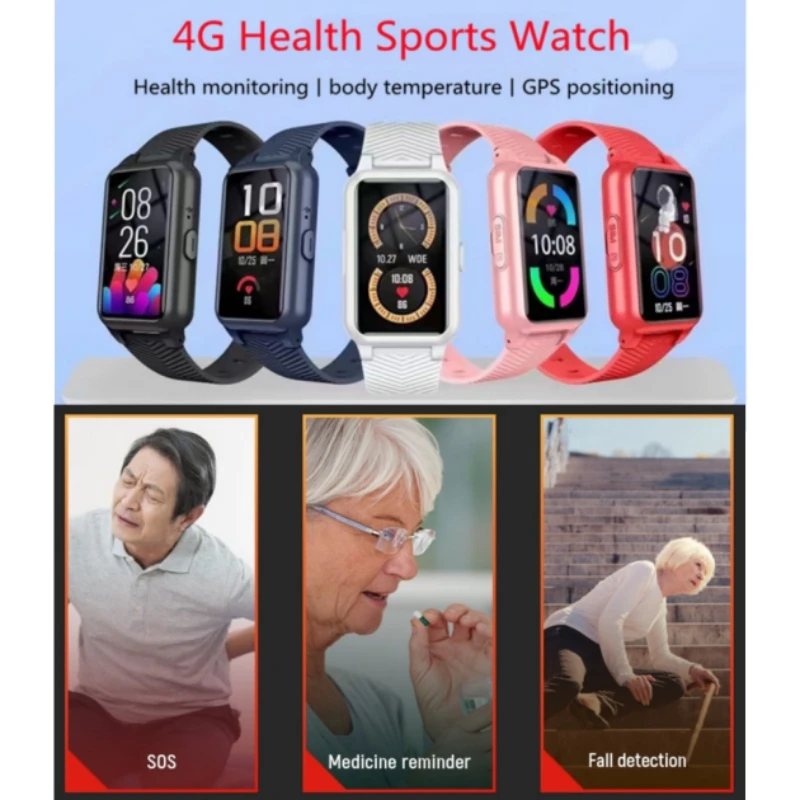
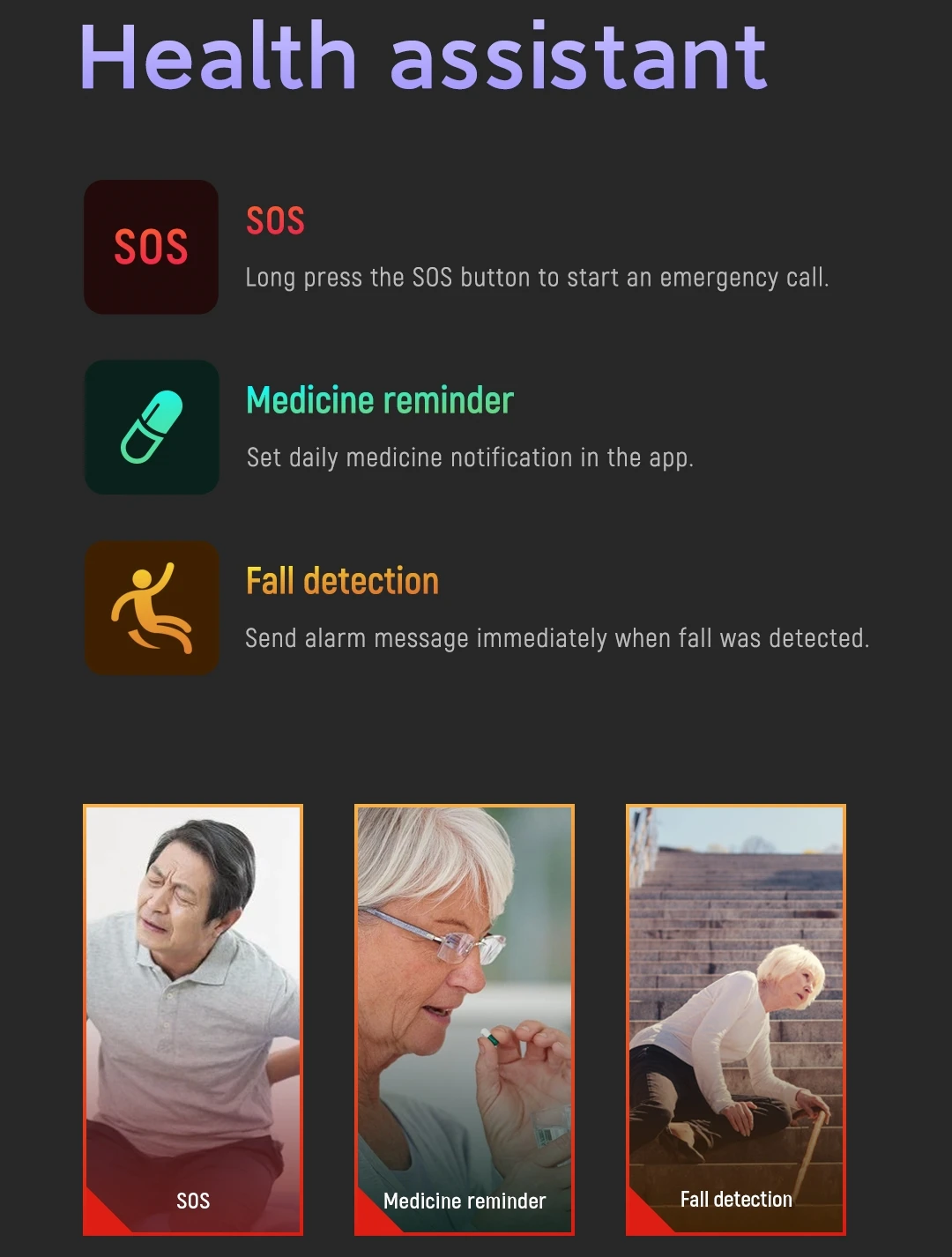
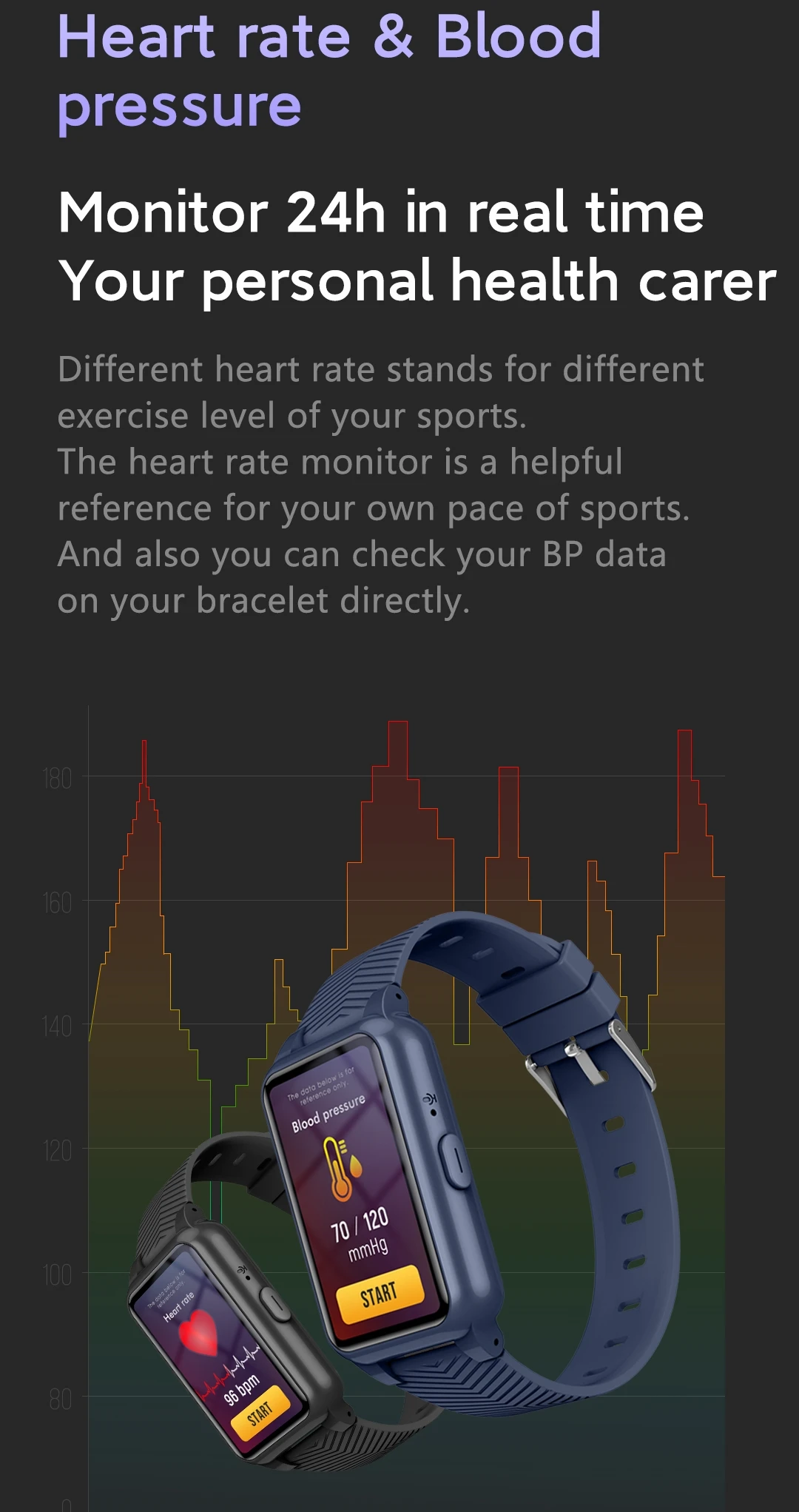
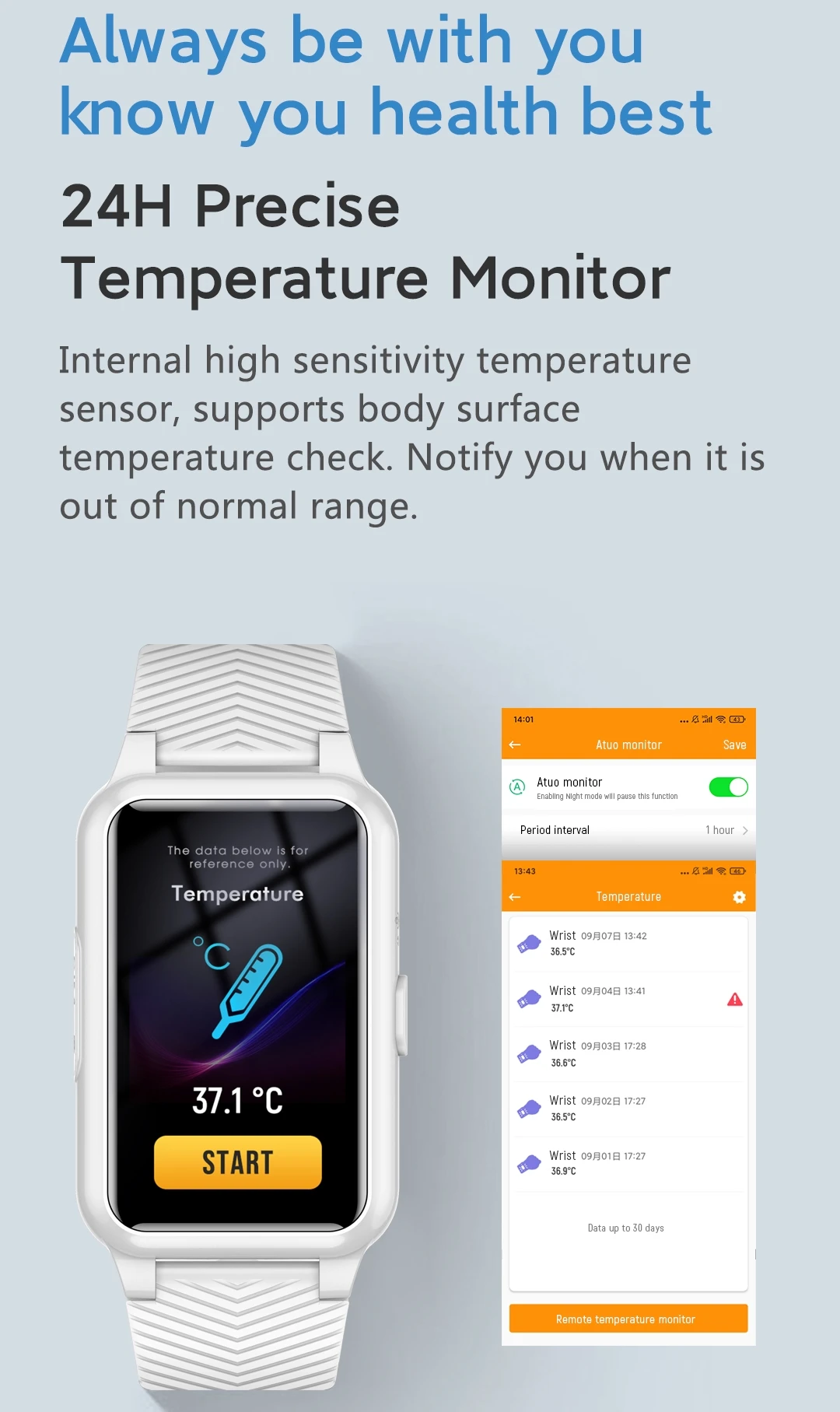
9. Heart Rate,Blood Oxygen,Body Temperature,Phone book ,historical Footprint Tracking ,Safety Zone .
10. Supported system languages: Chinese English Spanish German Deutsch Turkish Russian French Italian Nederlands Dutch Polski Cestina Magyar Slovenski .
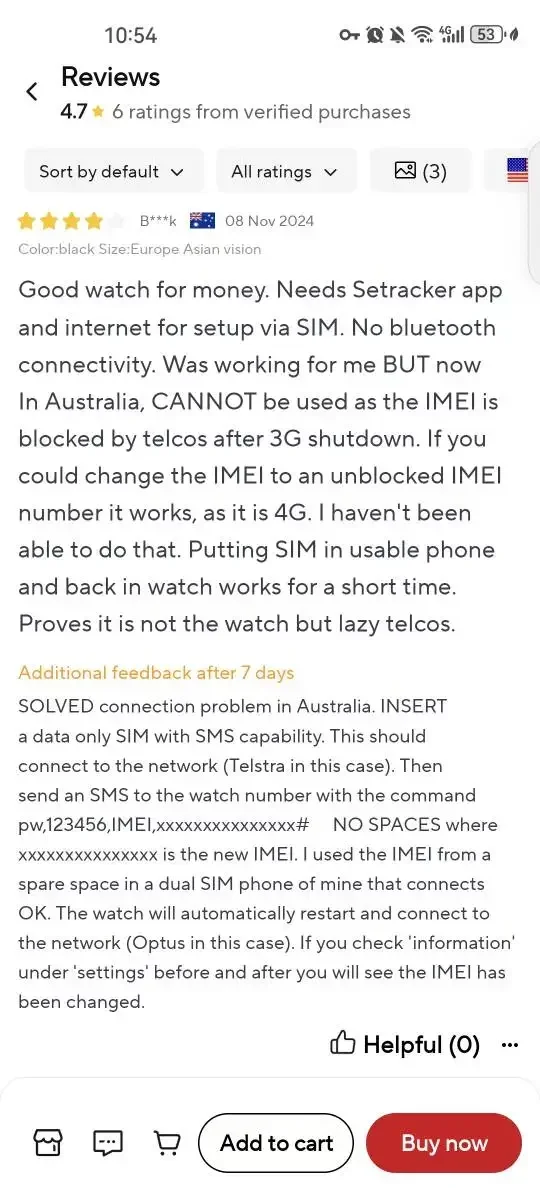
Important for Australia user , network connection solution !
in some case you need to change the watch IMEI to solve the connection problem in Australia. here's the guideline :
1--insert a data only SlM with SMS capability in the watch . This should connect to the network (Telstra in this case).
2--Then send an SMS to the watch number with the command pw,123456,IMEl,xxxxxxxxxxxxxxx# NO SPACES where xxxxxxxxxxxxxxx is the new IMEl. I used the lMEl from a spare space in a dual SlM phone of mine that connects OK.
3--The watch will automatically restart and connect to the network (Optus in this case). lf you check 'information' under 'settings' before and after you will see the lMEl has been changed.